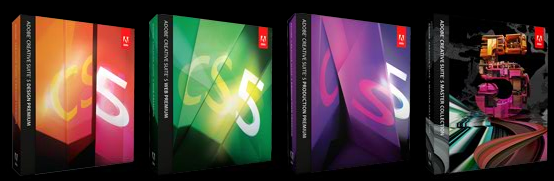
In 2026, as we reflect on the evolution of web development, Adobe Dreamweaver CS5 remains a pivotal milestone in the history of visual design tools. Originally released as part of Adobe Creative Suite 5, it introduced capabilities that redefined how designers approached website creation, setting the stage for modern responsive frameworks.
While the software is now part of Adobe’s legacy line, its innovations—such as the Live View navigation, CSS Inspect mode, and seamless CMS integration—continue to influence current web design practices. This review re-examines CS5’s core strengths, offering a fresh perspective for developers exploring the foundations of modern web authoring.


For those unfamiliar with its historical significance, Adobe Dreamweaver was a groundbreaking tool that enabled website designers to visually create and edit the components of a website. With Dreamweaver CS5, users could manage a diverse array of file types, including PHP, HTML, CSS, JavaScript, jQuery, and more. It was a transformative addition to any web developer’s toolkit at the time.
Dreamweaver CS5 introduced several groundbreaking features that remain relevant in today’s design discourse. Here are the innovations that stood out then and continue to shape web development today.
Accelerated Web Development Workflow
The first noticeable improvement in CS5 was its significantly faster launch time compared to its predecessor. While subjective, anecdotal tests showed CS5 starting in approximately seven seconds, whereas CS4 took nearly eleven. This speed enhancement reflected a growing industry focus on efficiency in development environments.
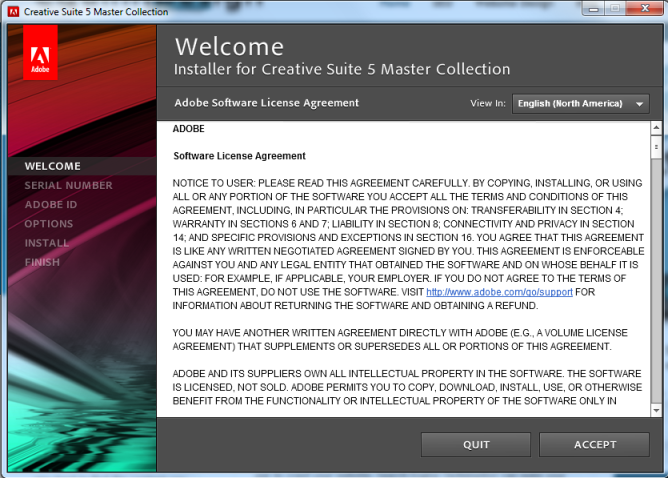
Installation was also streamlined, with a more intuitive setup process that included an estimated installation time counter. This feature helped users anticipate when they could begin utilizing the new product, reducing uncertainty and improving user experience.
Cross-Browser Compatibility Testing
CSS5 introduced Adobe BrowserLab, a powerful tool for instantly visualizing how a website appeared across different browsers. We wrote an article featuring this tool, among others, to check compatibility of your website across various browsers. At launch, BrowserLab supported Mozilla Firefox 2.0, 3.0, and 3.5, Microsoft Internet Explorer 6, 7, and 8, Apple Safari 3 and 4, and Google Chrome 3. Though these versions are now outdated, the concept of multi-browser testing remains central to modern responsive design.
Dreamweaver Live View and Inspect Mode
Live View and Inspect Mode were revolutionary tools that transformed how developers interacted with their code. Inspect Mode made it easier to decipher the various components of the box model, including borders, margins, and padding that surround text and other HTML elements. By activating Inspect Mode, each component was rendered in a distinct color, allowing users to quickly identify layout issues.
Pairing Inspect Mode with Live View created a powerful workflow for visualizing site layouts. Live View enabled developers to navigate their websites just as users would, while highlighting associated code elements during interaction. This feature significantly reduced debugging time and improved code accuracy.
CS5 also introduced robust CMS integration, enabling seamless updates and changes for sites built with WordPress, Drupal, or Joomla. Additionally, the CSS Start page provided a standard CSS layout template, allowing users to begin editing and customizing their site’s view instantly.