Content management systems have evolved from simple PHP-based tools into the backbone of modern digital experiences in 2026. As organizations demand faster deployment, omnichannel delivery, and AI-assisted content creation, the choice of CMS has become a strategic decision rather than just a technical one. While thousands of platforms still exist, selecting the right CMS for your specific workflow is now a critical challenge for designers and developers.
This article explores how professionals can identify the perfect CMS for any project in 2026, offering an overview of the most powerful platforms like Cosmic, Contentful, and WordPress, alongside essential advice on which systems to avoid to ensure long-term success.
Just what is a CMS (Content Management System)?
A Content Management System (CMS) is an application that leverages a database (often cloud-based or SQL) and modern architecture to create, edit, and store digital content efficiently. In 2026, the distinction between traditional monolithic CMSs (like WordPress) and headless CMSs (like Cosmic or Contentful) is vital. Content is managed in a centralized administration interface and delivered via APIs to websites, mobile apps, or IoT devices. This decoupled approach, known as the “Frontend” and “Backend” or “Admin” split, enables developers to build with modern frameworks like Next.js while marketers retain a user-friendly editing experience.
How can I take advantage of a CMS?
The primary reason for using a CMS in 2026 remains to make content creation and editing quick, simple, and scalable. However, the definition of “content” has expanded beyond text to include structured data, dynamic modules, and AI-generated assets. Designers often over-engineer systems, adding unnecessary complexity that cripples user experience. The secret is to select a CMS that balances robust functionality with intuitive convenience for both the team and the end-user.
An excellent CMS in 2026 should empower developers to focus on frontend innovation while providing marketers with drag-and-drop simplicity, seamless API integrations, and AI tools for content personalization.
Know before you choose…
Mistake 1: Choosing a “Geek-Friendly” CMS Only
While it is tempting to pick a CMS that you, as a developer, love, it is imperative to remember that your clients or marketing teams may not share your technical expertise. Even if a platform like Strapi or a custom solution suits your coding style, it must be usable by the people managing the content. Prioritize a CMS with a clean, non-technical admin interface (like Cosmic or Contentful) to ensure the client can manage the site effectively, even if it requires minor customization.
Mistake 2: “Bigger is Better” (The Community Trap)
Do not be swayed solely by a CMS’s massive user base or “free” status. A large community does not guarantee a good product. For example, the sheer number of Linux users doesn’t make it easy for everyone. Similarly, choosing a CMS based on popularity alone can lead to outdated architectures or bloated features. Just as Steve Jobs noted, “I wish developing great products was as easy as writing a check. If that was the case, Microsoft would have great products.” The quality of the people behind the product matters more than the number of users.
I wish developing great products was as easy as writing a check. If that was the case, Microsoft would have great products.
In the open-source world, a massive community can sometimes mean a lack of clear direction, where functionality becomes a jumble of average extensions. Be wary of the behemoths that lack a dedicated product team.
Mistake 3: Selecting the “Little Guy” (Over-Simplification)
Avoid choosing an overly simplistic CMS just to avoid the complexity of a major platform. Ensure the CMS you select natively supports the extensions and modules you need. Many “new” or “small” CMSs fail because they lack the ecosystem to support advanced functionality, forcing you to build everything from scratch.
Mistake 4: Not Doing Research
Always investigate before purchasing or deploying a CMS. Check real-world examples, contact the site owners, and consult with other designers. Testing the platform is non-negotiable. Many teams discover that a module they thought would work is problematic only after deployment. Never commit a CMS to a client project without rigorous internal testing.
Mistake 5: Enabling an IT Guy to Choose the CMS
Never let an IT specialist choose the CMS alone. The ideal decision-maker understands both code and user experience. In large companies, ensure the person approving the CMS (the “Mac guy” or product lead) is a user of the system, not just a developer. Prioritizing a system with a poor interface can lead to significant headaches and inefficiency for the entire team.
If you are hiring a developer to build functionality, define your requirements first, then ask for CMS options. This ensures the choice aligns with your specific needs and your client’s expectations.
What to expect from a CMS
In 2026, the most valuable CMS features include:
- Easy and quick installation (often cloud-based with zero setup)
- Simple, non-technical administration interface
- API-driven extensibility for additional functionality
- Flexible template and component manipulation
- A supportive, active developer and user community
While it may seem counterintuitive, prioritize a CMS with the best design appeal. A stylish, modern interface often signals a superior user experience. However, always research and test before investing your time and budget into any specific system.
The 3 Up and Coming CMS Platforms:
The CMS landscape is rapidly evolving toward headless, AI-powered, and composable architectures. While legacy giants like Joomla and Drupal struggle with antiquated change cycles, a new generation of modern CMSs is emerging to redefine the industry.
Here are the most promising CMS platforms to monitor in 2026, along with the best working options and ones to spurn:
1. Frog Cms
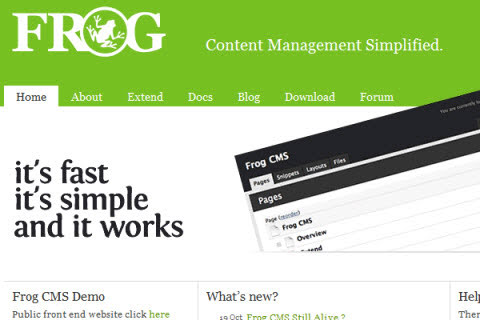
While legacy in inception, Frog CMS represents the early drive for a clean, developer-centric PHP CMS based on Radium CMS. Though its community remains small, the project continues to evolve with high-quality plugins. However, for 2026, modern headless alternatives like Cosmic or Strapi are more robust for scalable projects. Frog CMS
2. Concrete5 CMS
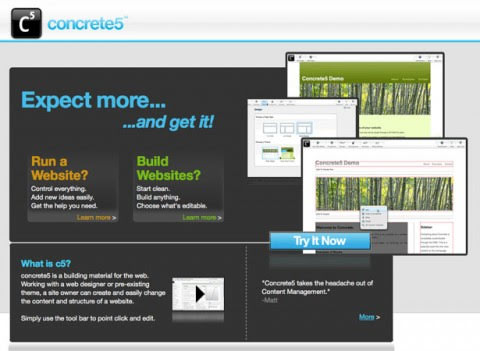
Concrete5 stands out by combining the administration and frontend seamlessly, a feature similar to LightCMS. It offers a more compact complexity than its counterparts, making it a solid choice for mid-sized projects. For 2026, however, headless CMSs like Contentful or Sanity offer better omnichannel scalability. Concrete5
3. ExpressionEngine
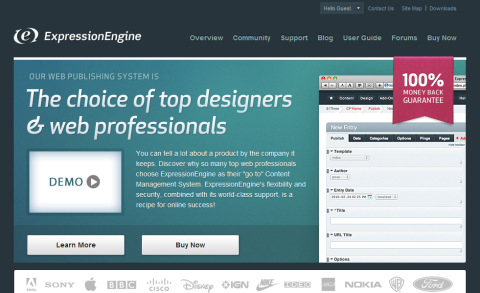
ExpressionEngine is a premium, secure CMS tailored for web designers and developers. It offers a flexible templating system and robust support. While not free, it remains a top choice for custom projects where clients insist on a “paid” platform over open-source alternatives. ExpressionEngine
Top 5 CMS Platforms in 2026
1. WordPress
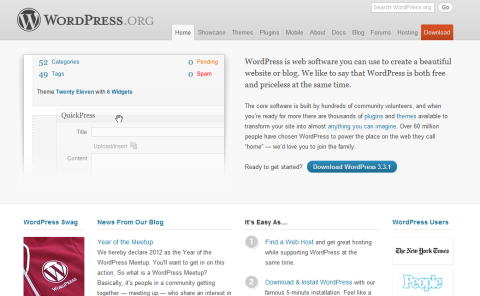
WordPress has evolved from a simple blogging system into the world’s most dominant CMS, powering over 40% of the web. Its ease of use for authors and massive plugin ecosystem (including BuddyPress) make it a top choice for content-heavy sites. While it is a monolithic CMS, it remains a powerful option for flexibility and simplicity. WordPress
2. Drupal
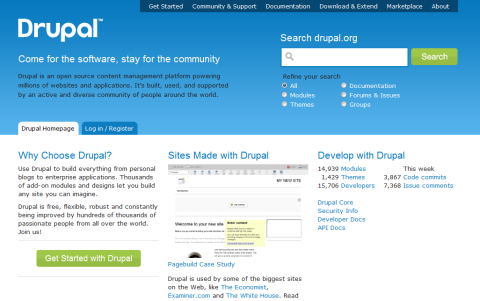
Drupal is the premier open-source CMS for organizations requiring high customization, control, and complex data structures. It allows in-page editing and is highly extensible via modules. While it has a steep learning curve, it is the least frustrating option for large-scale enterprise projects with in-house dev teams. Drupal
3. Joomla 1.7+
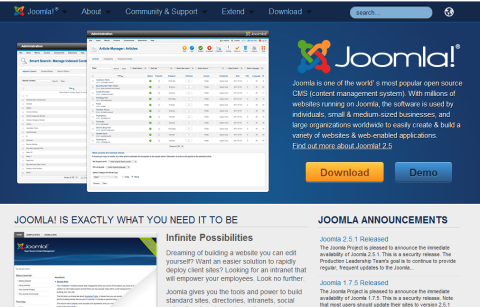
Joomla is a robust open-source CMS, but only the 1.7+ version is recommended due to its improved user interface and flexibility. Older versions are difficult to manage, often leading to higher costs for clients. If using Joomla, ensure you start with the latest version. Joomla
4. Magento E-Commerce CMS
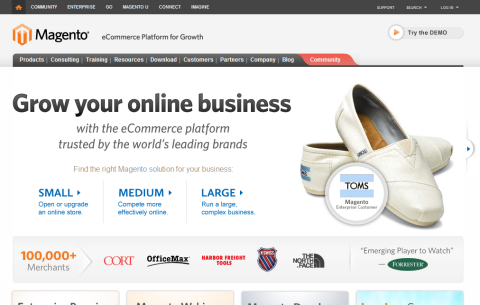
Magento is the leading enterprise-grade e-commerce CMS for medium to large web stores. It offers a full suite of “paid”-level features, including advanced inventory management and multi-store capabilities. Available in both “Community” (free) and paid versions, it is ideal for complex ecommerce projects. Magento
5. OpenCart E-Commerce CMS
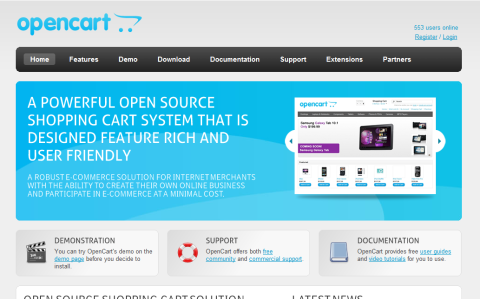
OpenCart is a favorite for its simplicity, intuitive layout, and ease of use for both designers and end-users. It supports a robust theme and module/plugin system, making it highly flexible. With thousands of pre-made themes available, it is an excellent choice for small to medium ecommerce businesses. OpenCart
Summary
Always evaluate a CMS before investing time and money. Remember that the core purpose of a CMS is to make content creation and editing quick and simple. Never sacrifice the customer experience for unnecessary functionality. By following these principles, you will drastically improve your understanding and success with Content Management Systems in 2026.